Nothing is being stamped
- The page is probably fine. Danger Stamp is quiet on ordinary pages. Press its button: No warnings here means it checked and found nothing. To see it work, open a practice page.
- Is the button there? If the Danger Stamp button is missing from the toolbar, press the puzzle-piece icon and pin it. If it isn't listed, open chrome://extensions and make sure Danger Stamp is switched on.
- Did you trust the site? Open Trusted sites and senders in the popup. If the site is listed, press Undo.
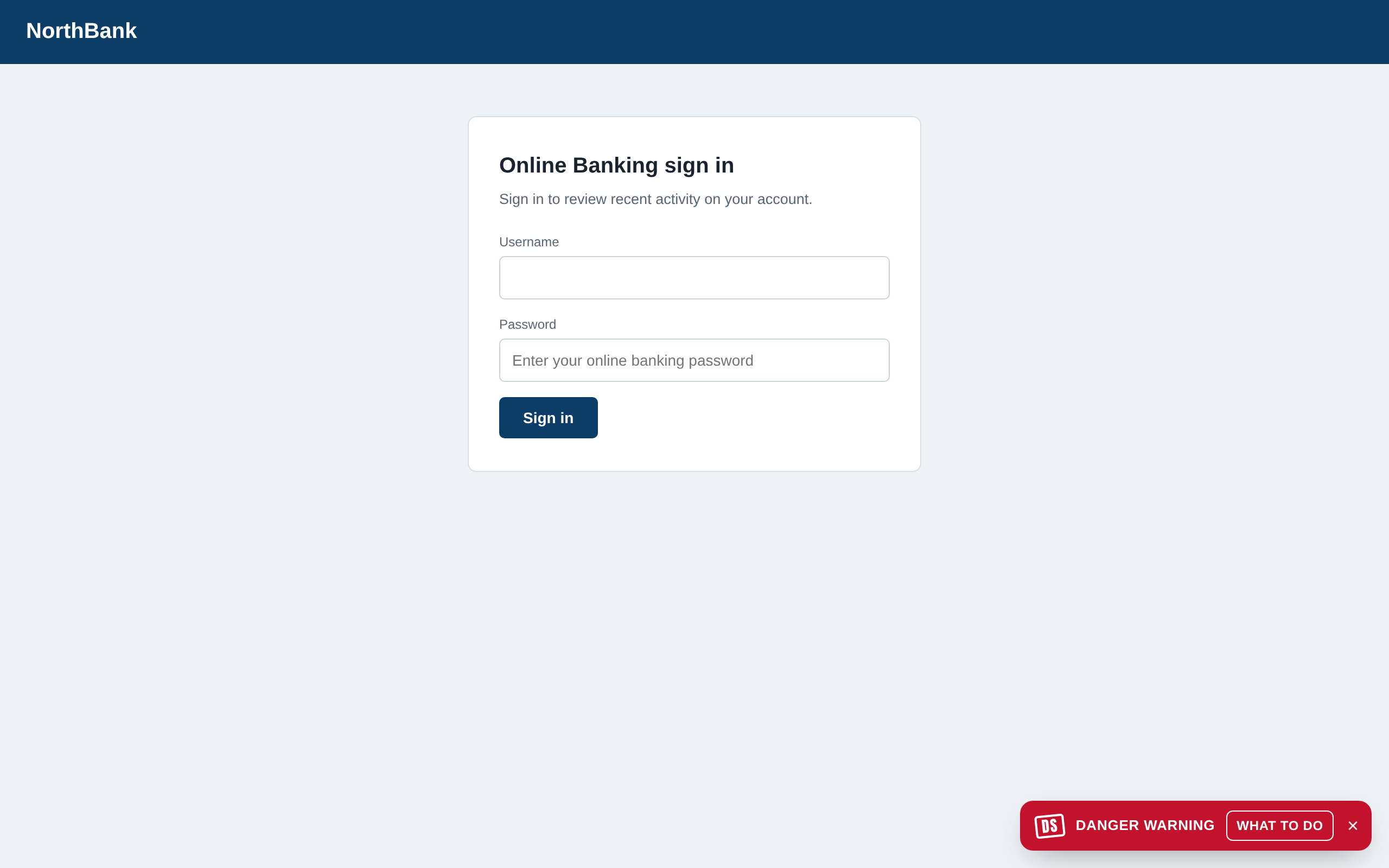
- A heads-up, not a stamp? On Free, a page that needs the AI check gets a small Danger warning instead. That's expected. Pro stamps it.
- Chrome's own pages (settings, the Web Store, new-tab) can't be read by any extension, so nothing happens there.
An email or chat isn't being read
- Open the email itself. Danger Stamp checks the email you have open, not the inbox list. Click into it.
- Check the setting. In Settings, Check emails and chats must be on.
- Ordinary messages are left alone on purpose. Only a message with scam warning signs is checked at all, so a plain email from a friend never gets a verdict. Paste it into Check a message if you want it looked at anyway.
- Your webmail isn't one we know? Gmail, Outlook, Hotmail, Yahoo, AOL, Roundcube and SnappyMail are read directly; other webmail is read when it's on a webmail-looking address. If yours isn't, tell us which one.
"Danger Stamp couldn't finish checking this page"
The checks on your computer ran, but the AI check couldn't reach our server: you were offline, or the server was. It is said once, quietly, so a page that couldn't be checked never looks like a clean one. When you're back online the page is checked again without reloading. If it keeps happening on every page, check your connection or try again in a few minutes.
"This browser's AI checks are paused until next month" means a Pro browser passed its monthly fair-use limit. The checks on your computer still run.
It stamped a page that's fine
Press FALSE ALARM and see False alarms. If it keeps stamping a site you know is real, trust it there and tick the box to tell us: every one becomes a test case.
It missed a scam
Some will get past it, especially brand-new kinds. In the popup, press Report a scam it missed on this page: it opens our report page with the address filled in, where you can add a screenshot and what happened. Reports are how new scams get added.
Scam pages saved to your computer
Phishing often arrives as an attached web page. Danger Stamp can check pages you open from your own disk if you allow it: open chrome://extensions, press Details under Danger Stamp, and switch on Allow access to file URLs.
Starting fresh
Removing Danger Stamp from Chrome and adding it again clears its settings and trusted sites on this computer. A paid plan is tied to the browser, so after a reinstall use Use your plan on this browser to get it back.