Right-click any text
Select the words on any web page, right-click them and choose Check this with Danger Stamp. The answer appears on the page a moment later.
Paste it into the toolbar button
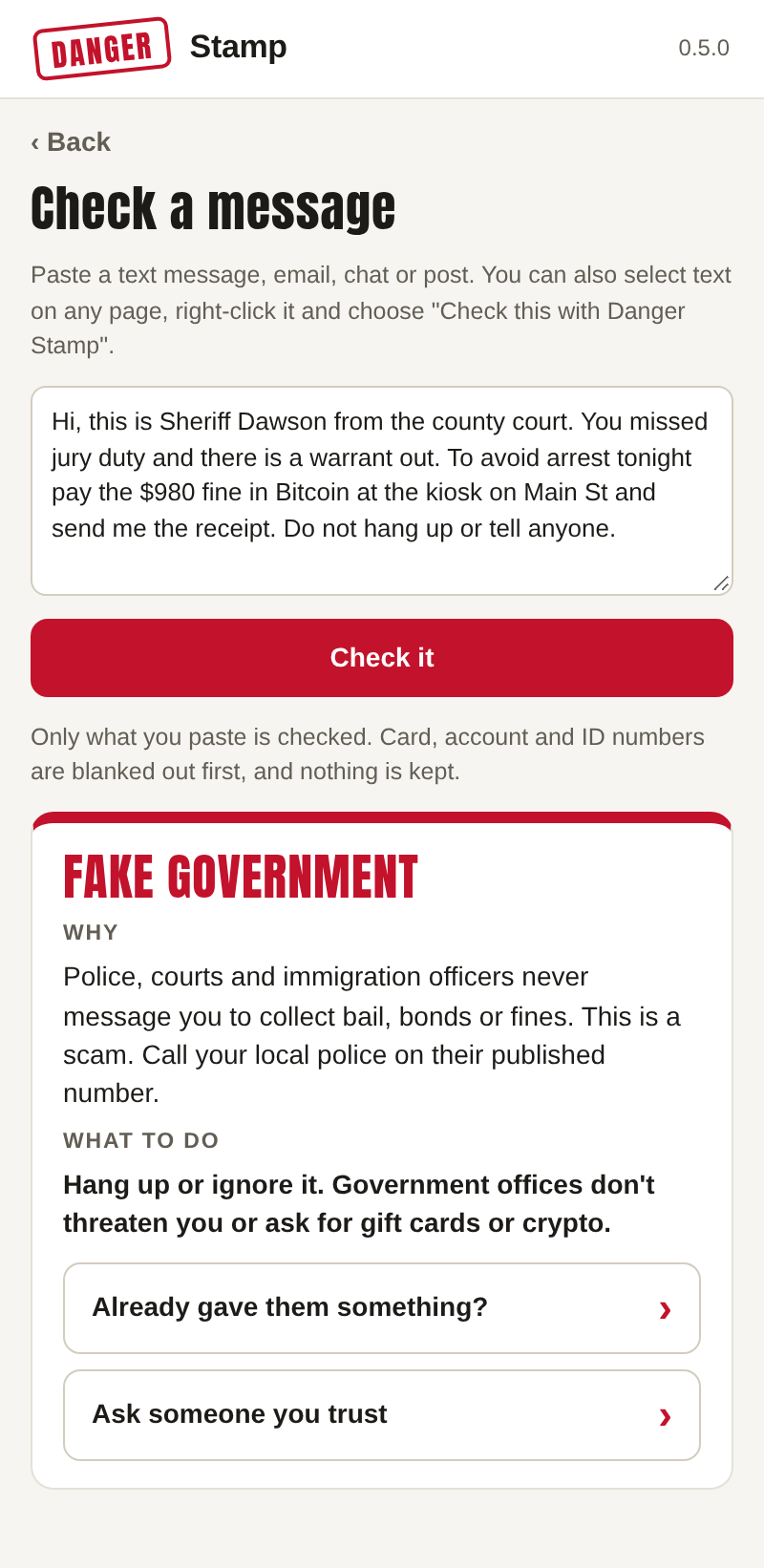
Press the Danger Stamp button in the toolbar, then Check a message. Paste a text message, an email, a chat or a post, and press Check it. This is the way to check something from your phone: send it to yourself, or type the gist of it.
On this website
No extension? The Check this box on our home page does the same thing, up to 20 times an hour.
What the answers mean
- A stamp or a warning names the scam and opens the same What to do panel as any other warning.
- "Worth a closer look" (Free) means it found warning signs but the AI check that tells a scam from a false alarm didn't run. Treat it as a maybe.
- "No warning signs found" means exactly that. It is never a promise that something is safe. A scam with no familiar pattern, or one told over the phone, can still get past it.
What leaves your computer
Only what you chose to check, and only because you asked. On Free, the checks run on your computer and nothing is sent. On Pro with AI checks on, the text goes to our server with card, account and ID numbers and other people's email addresses blanked out first, is checked, and is not kept. Checks from the website work the same way. The details are in our privacy policy.